


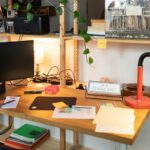

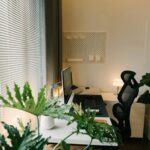
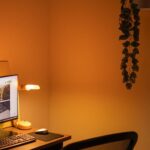
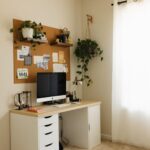


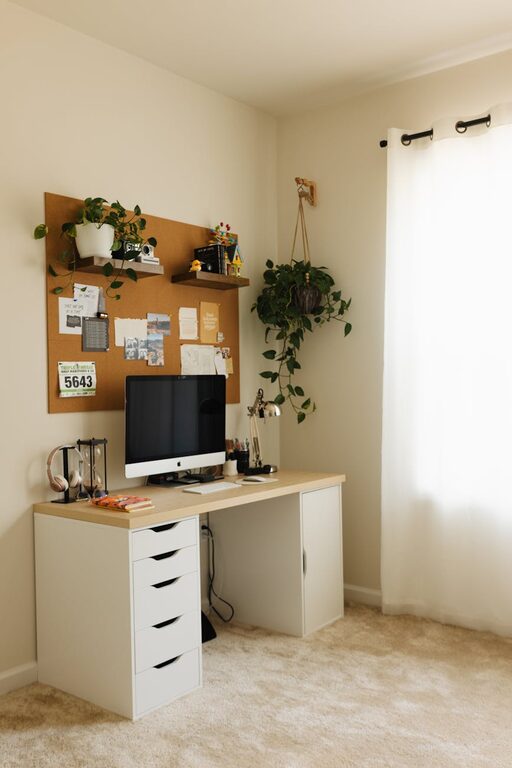
Creating a relaxing and productive home workspace is more important than ever. Whether you work from home full-time or occasionally, the environment you set up can significantly influence your focus, efficiency, and overall well-being. A thoughtfully arranged space helps reduce stress and keeps you motivated throughout the day.
In this post, we’ll explore practical tips to help you design a comfortable and calming workspace that boosts productivity, minimizes distractions, and supports good posture.
Choose the Right Location
Pick a Quiet Spot
Select a part of your home that is relatively quiet and away from high-traffic areas. A dedicated corner or room will help you mentally separate work from leisure time.
Consider Natural Light
Natural light is beneficial for mood and energy levels. Position your desk near a window if possible, but avoid glare on your computer screen.
Invest in Comfortable Furniture
Supportive Chair
A good ergonomic chair is an essential investment. It should support your lower back and encourage good posture to prevent discomfort.
Suitable Desk
Select a desk at a comfortable height with enough surface area for your computer, documents, and accessories. Adjustable desks are a great option to alternate between sitting and standing.
Organize for Efficiency
Declutter Your Desk
A clean and organized workspace helps minimize distractions and keeps your mind clear. Only keep items you use regularly on your desk.
Storage Solutions
Use shelves, drawers, or storage boxes to keep supplies and paperwork neatly arranged out of sight.
Incorporate Calming Elements
Plants
Indoor plants not only improve air quality but also add a touch of nature that can reduce stress and increase focus.
Personal Touches
Add a few personal items such as photos, artwork, or a small decorative piece to make your space inviting without overcrowding it.
Manage Lighting Carefully
Use Multiple Light Sources
Combine natural light with soft overhead lighting and a desk lamp. Adjustable lighting helps reduce eye strain as the day goes on.
Warm Light Bulbs
Choose bulbs with a warm color temperature to create a cozy, relaxing atmosphere.
Minimize Noise and Distractions
Sound Control
If noise is a problem, consider noise-canceling headphones, a white noise machine, or soft background music.
Set Boundaries
Communicate your work hours to household members to limit interruptions.
Enhance Technology Setup
Efficient Layout
Arrange your computer, keyboard, mouse, and monitor within easy reach to avoid repetitive strain.
Cable Management
Use clips, sleeves, or trays to keep cables organized and prevent clutter.
Take Regular Breaks
Use Timers
Set reminders to stand up, stretch, or take a short walk every hour. Moving around helps improve circulation and refreshes the mind.
Relaxation Practices
Incorporate mindfulness exercises or breathing techniques during breaks to lower stress levels.
Keep Air Quality Fresh
Ventilation
Open windows when possible or use air purifiers to maintain fresh air.
Comfortable Temperature
Adjust heating or cooling systems to keep your workspace at a comfortable temperature throughout the day.
Tips for Staying Motivated
Set Goals
Write down daily or weekly tasks to help focus your efforts and track progress.
Change Your View
If your room allows, occasionally rearrange your desk or change your seat to keep the space dynamic and inspiring.
—
Creating a relaxing home workspace isn’t just about aesthetics — it’s about making your work environment support your health, focus, and comfort. By thoughtfully planning your setup and incorporating calming elements, you’ll find it easier to maintain productivity and enjoy your days at home.
Start with small changes, and over time, your workspace will become a haven that fosters both relaxation and professional success.